
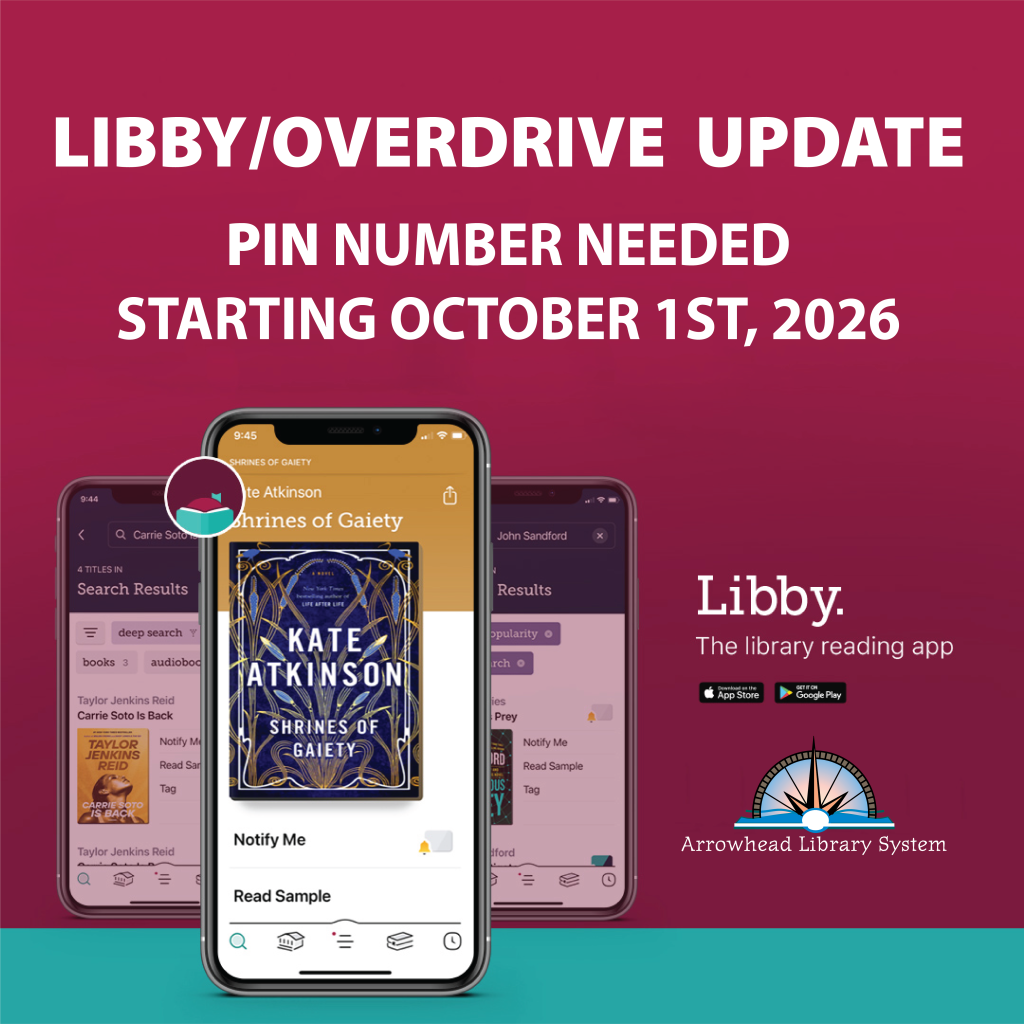
Starting October 1st, your Libby/OverDrive account will require your PIN number to log in. OverDrive is making this update to ensure your account remains secure and private.
Your PIN is:
- The same as your library card PIN
- Often set to the last four digits of your phone number
To reset your PIN, follow these steps:
- Contact your library by phone or visit in person
- Set your four digit PIN
- Log in to confirm your Libby access
You can find contact information for your local public library at the following webpage: